Everything a phone needs
The call features of a desk phone, on your phone and on your computer – with the same settings on both.
Multiple accounts
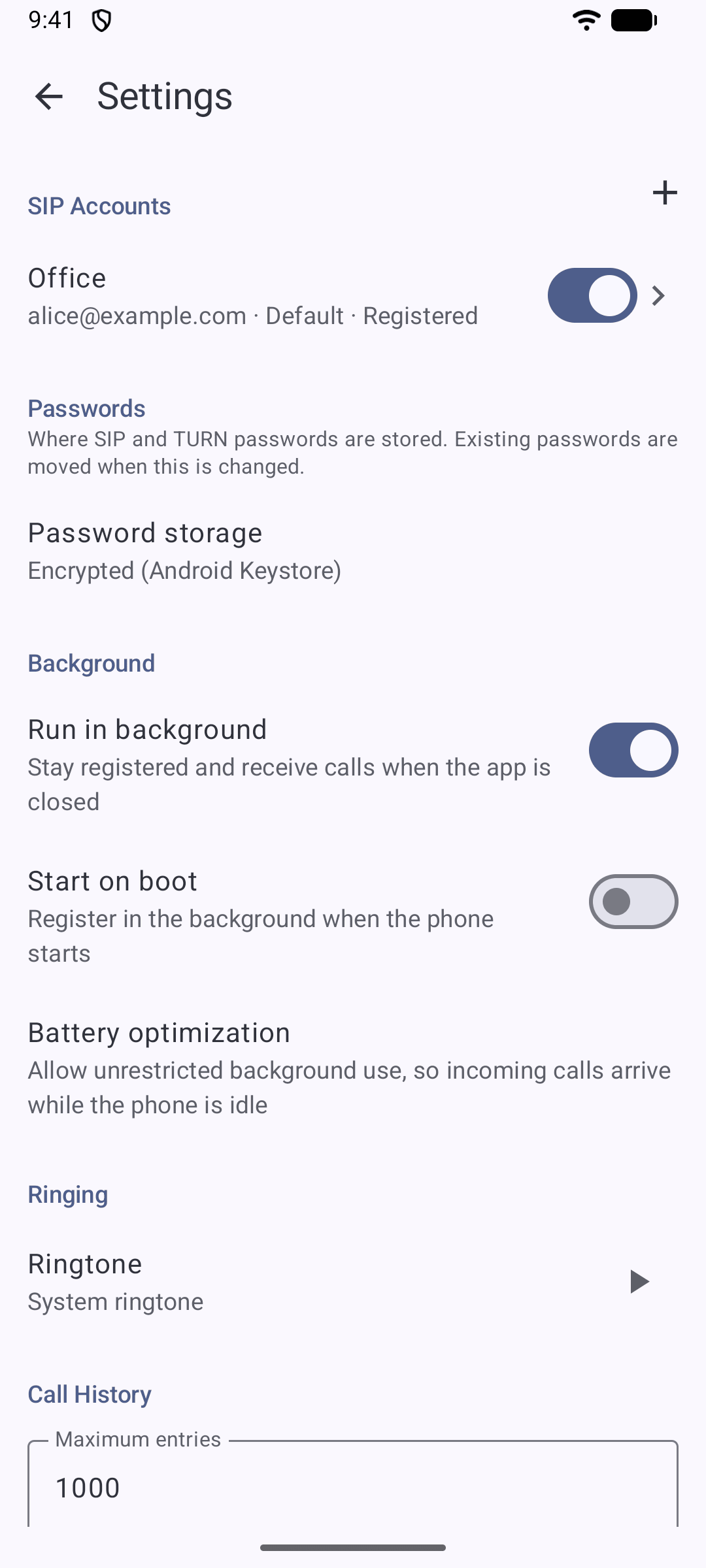
Set up as many SIP accounts as you like, switch them on and off, and pick the account for each call. Separate authentication username, outbound proxy, UDP, TCP or TLS.
Real call handling
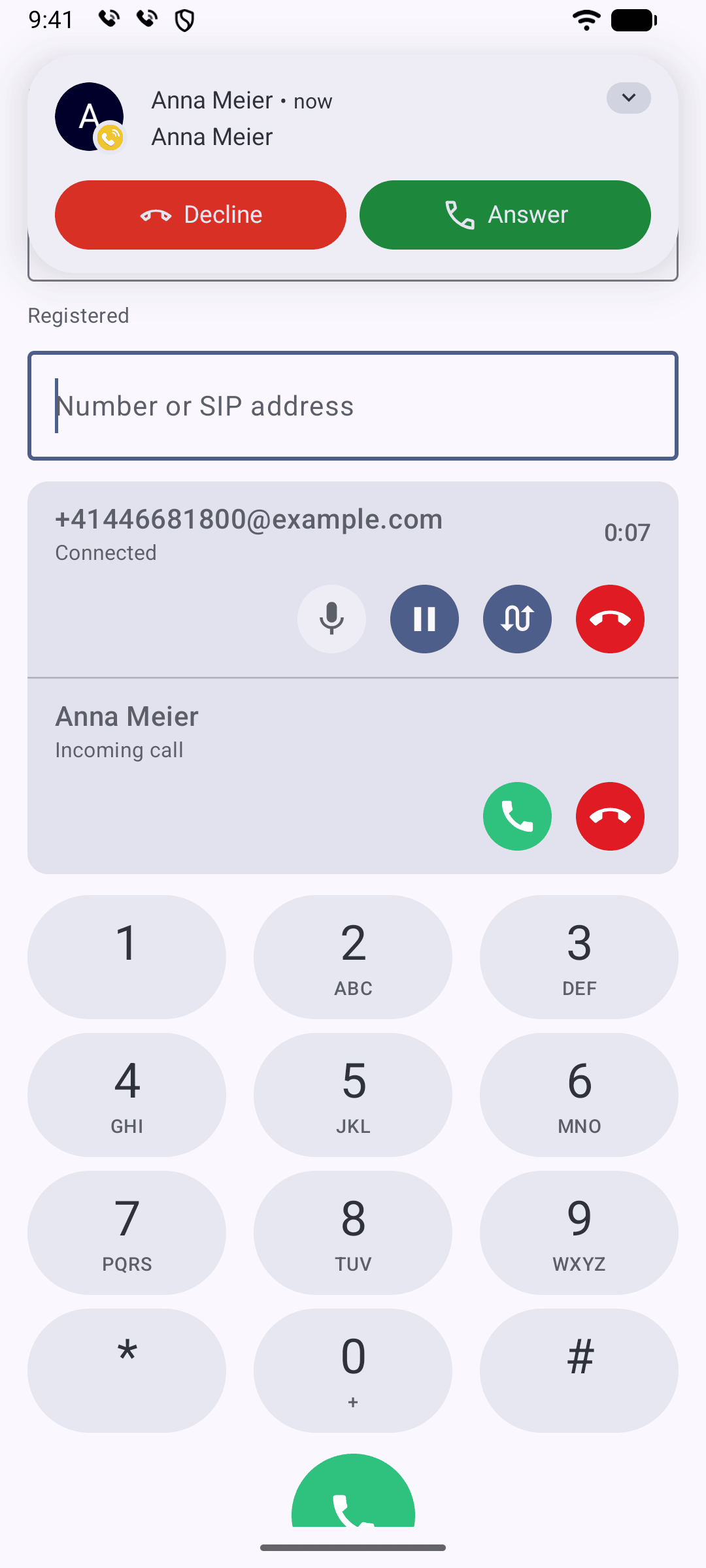
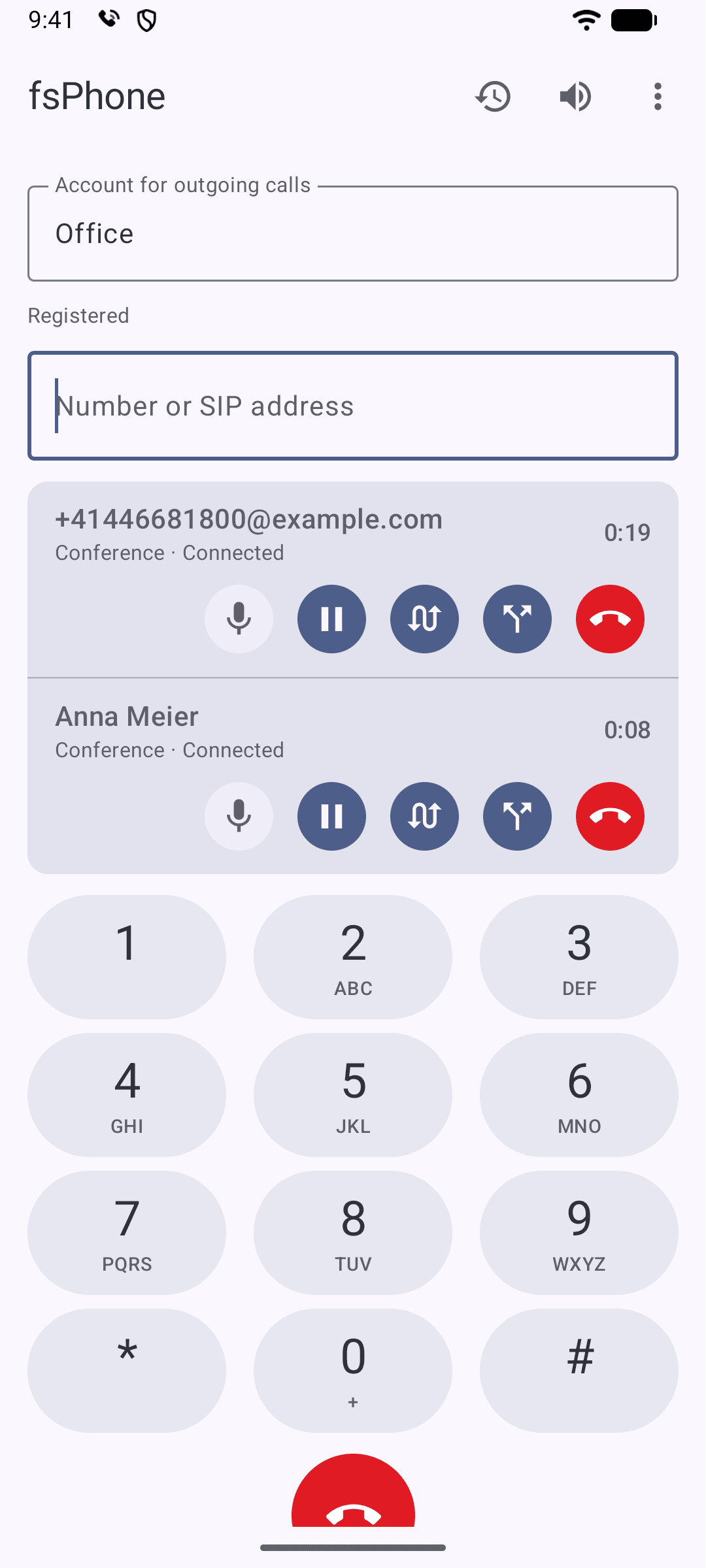
Hold and resume, call waiting, mute, DTMF from the keypad, blind and attended transfer, and three-way conferences mixed on your device.
Good sound, encrypted
Opus, G.722 and G.711 in the order you choose for each account. Media encryption with SRTP and signalling over TLS.
Works behind NAT
STUN, ICE and TURN can be switched on for each account, for networks and routers that need them.
Dial rules and links
Strips formatting, adds an outside-line prefix and turns +41 into 0041 if your PBX wants it. Opens tel: and sip: links from the browser and other apps.
Call history
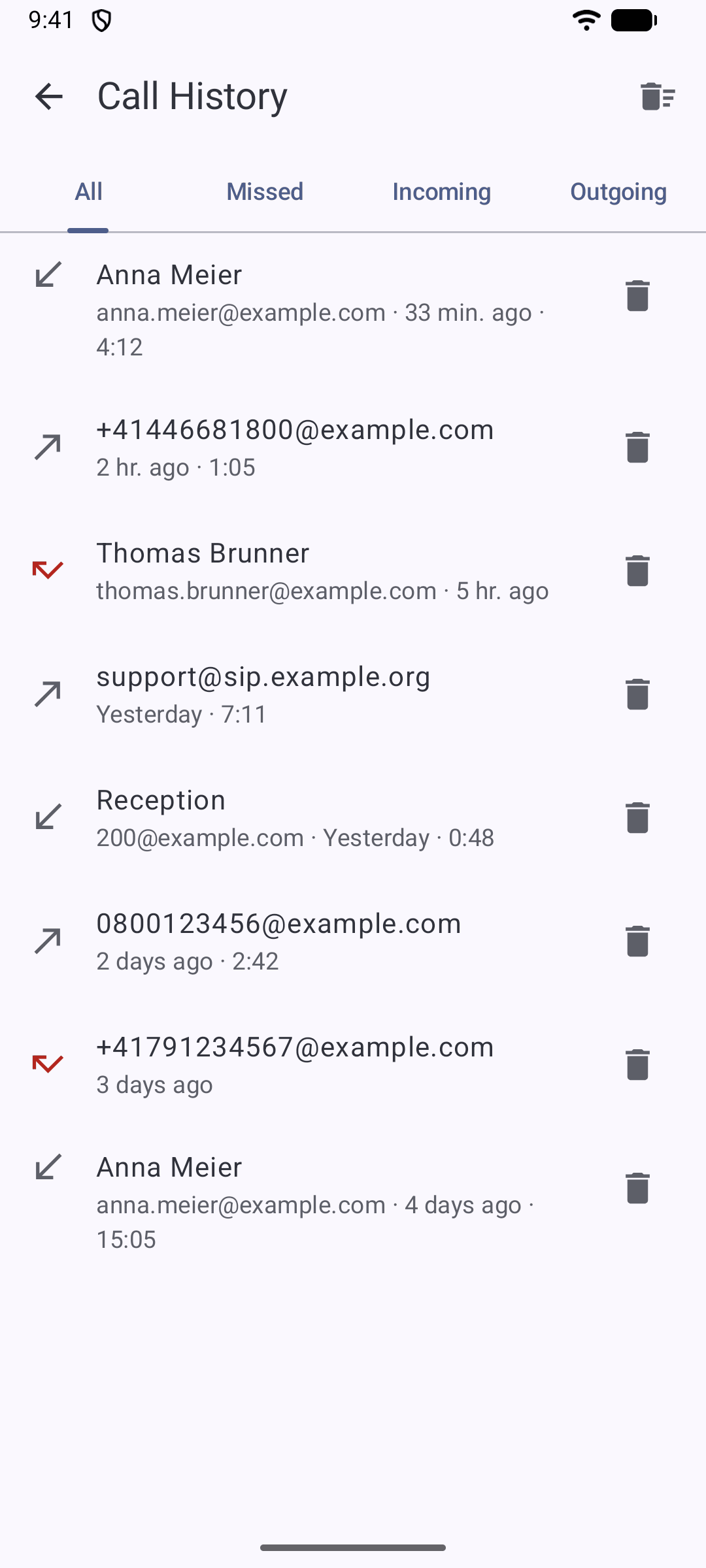
Incoming, outgoing and missed calls, limited by number or age as you like. Tap an entry to call back.
SIP debug view
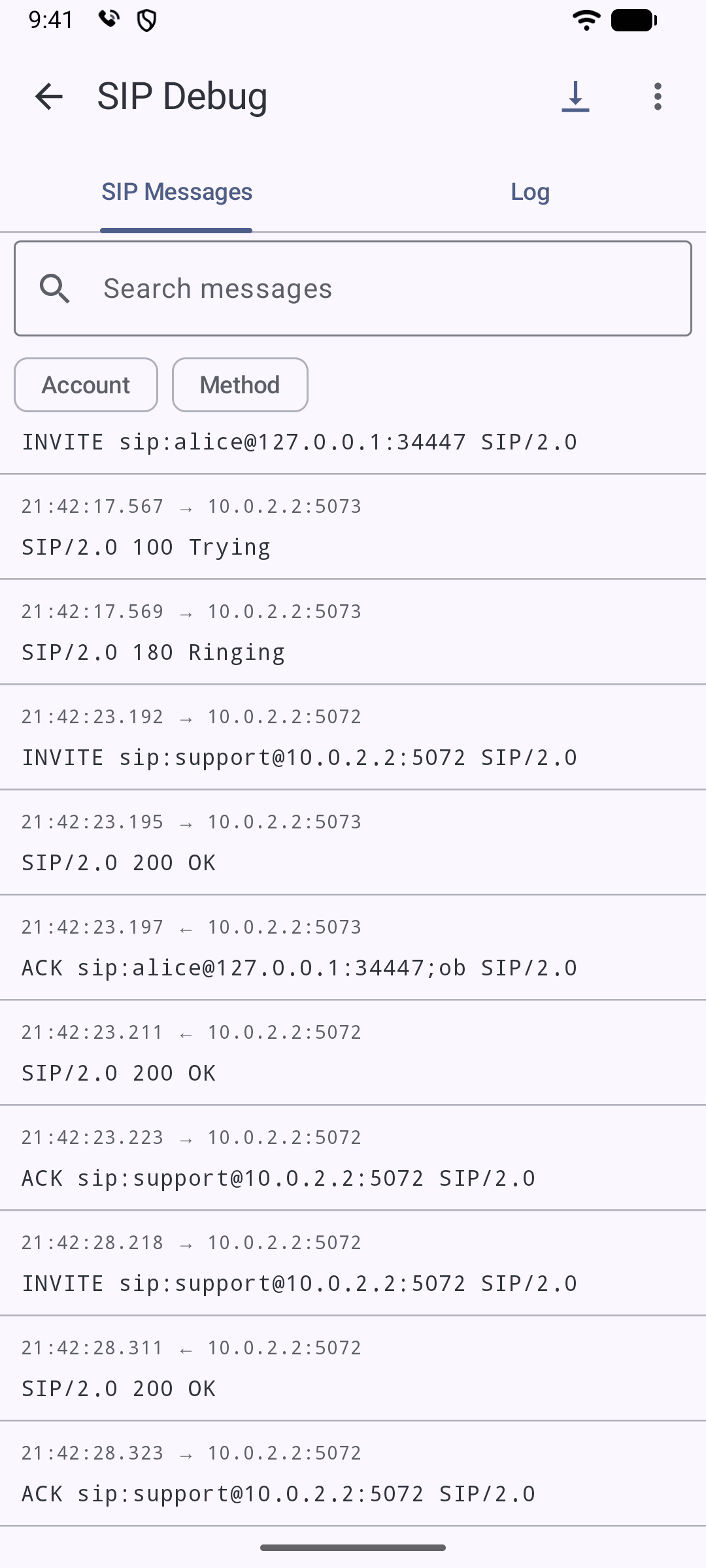
See the raw SIP messages live, filter by account, method or call, and save the log – for when something does not work as it should.
At home on Android
Android knows about your calls: Bluetooth headsets and cars work, a mobile call puts SIP calls on hold, and calls ring on the lock screen. Stays registered in the background.
At home on Linux
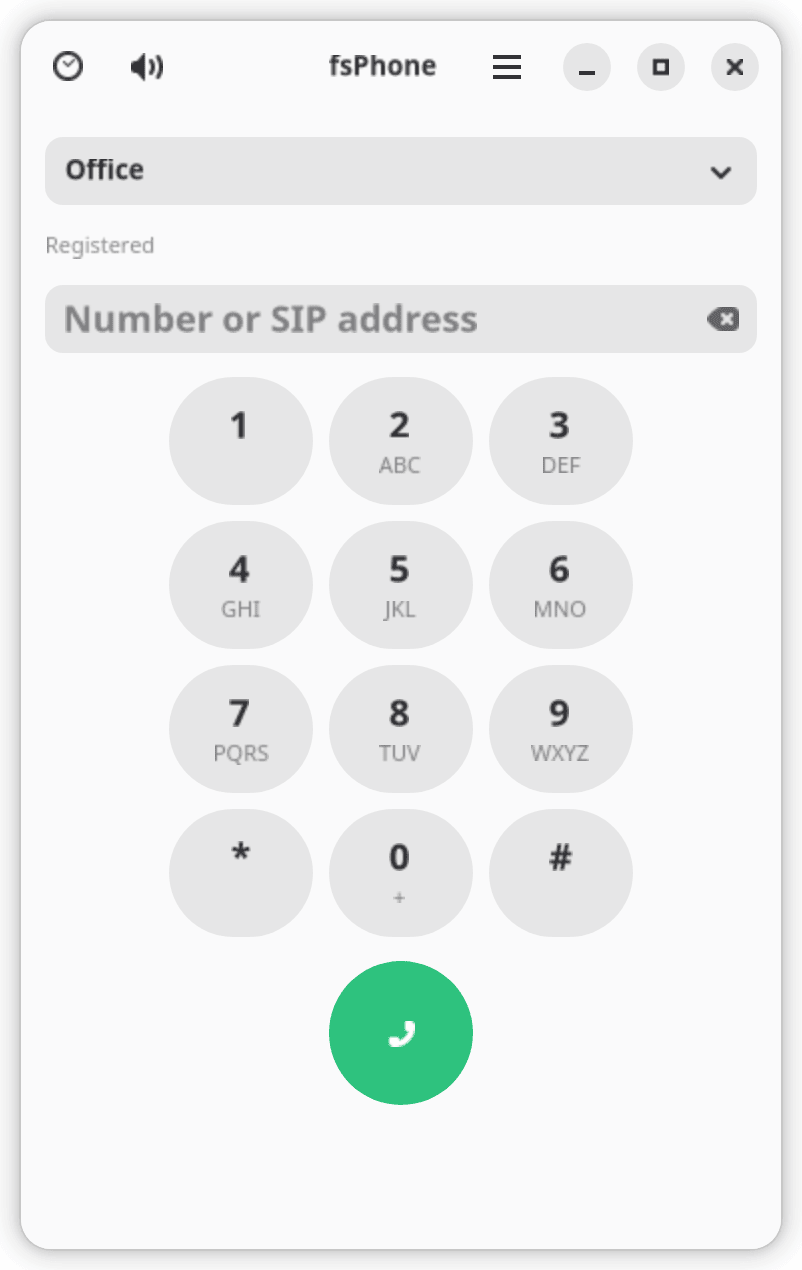
A GTK 4 app with tray icon, start on login and desktop notifications with Answer and Reject. Passwords go to your system keyring.
Screenshots
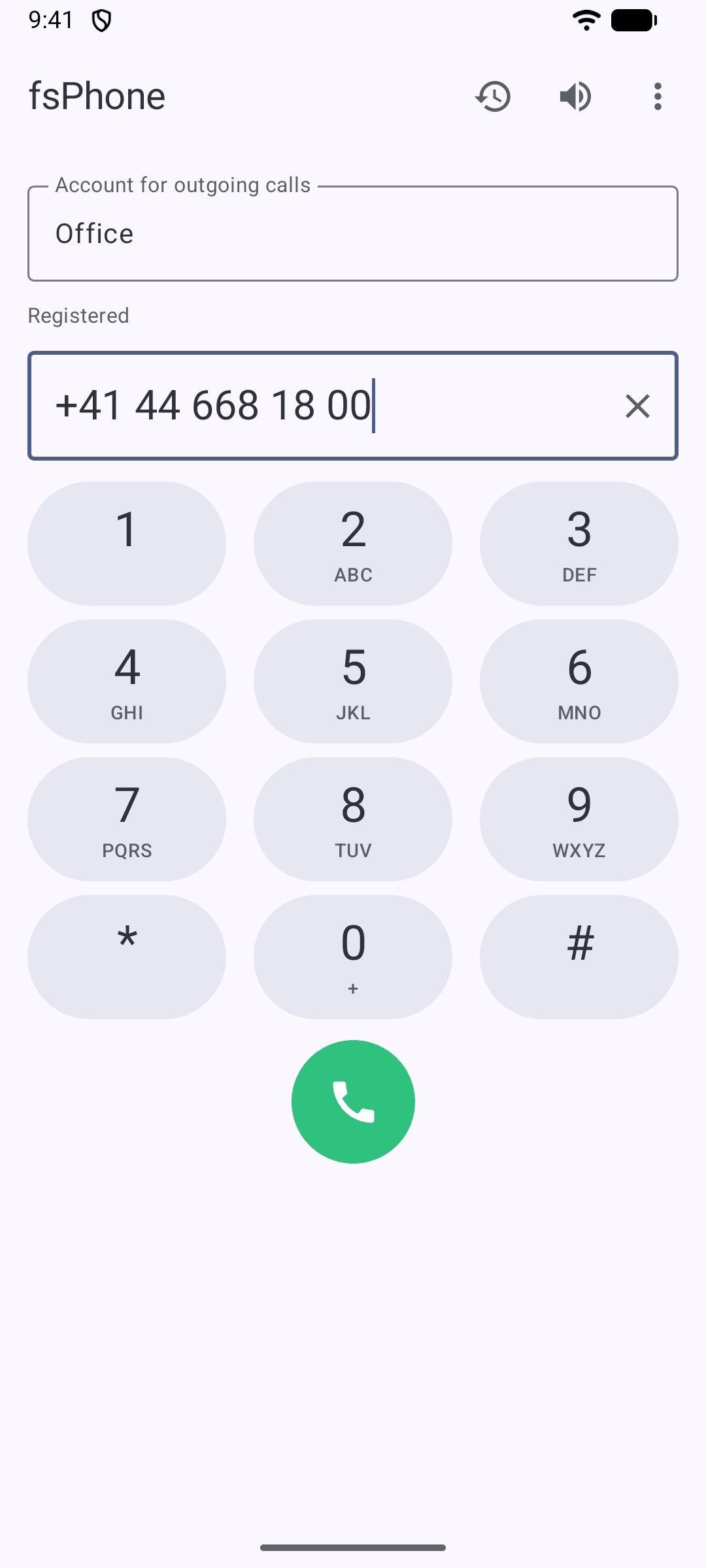
The Android app. Tap a screenshot to see it full size.
On the Linux desktop
The same features in a compact window. fsPhone keeps running in the tray, so you stay reachable when the window is closed, and click-to-call links in your browser open in it.
The settings file is the same on both, so an account set up on the desktop can be copied to the phone.
Download
Install the APK on your phone or the package on your Debian computer.
Android app
For phones with Android 15 or newer (arm64). In English and German.
Download APK- Open the downloaded file on your phone (Android 15 or newer). If asked, allow your browser or file manager to install unknown apps.
- Add your SIP account in fsPhone → Settings.
- To receive calls while the phone is idle, allow unrestricted battery use (Settings → Battery optimization).
Download the package for your Debian version and install it with
sudo apt install ./fsphone_*_amd64.deb
apt installs everything it needs. fsPhone then appears among your applications and opens tel: and sip: links.
Privacy
No ads, no analytics, no account with us. fsPhone never sends anything to the publisher. It connects only to the SIP servers you set up – and to the STUN and TURN servers you enter, if you turn them on. Your call history stays on your device.
Read the full privacy policy · Datenschutzerklärung (Deutsch)